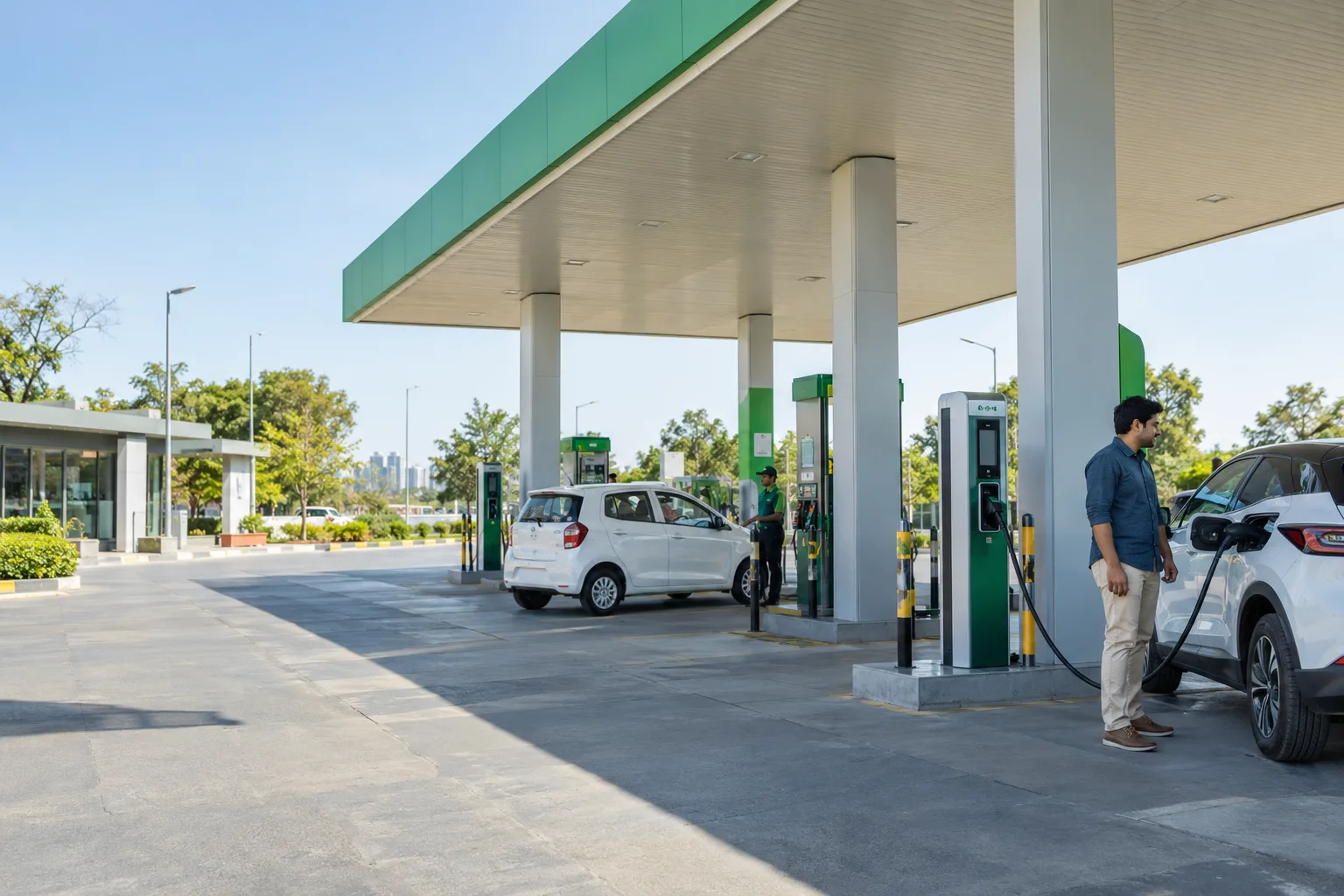
Start with the map, compare station information and plan a stop around your vehicle. Fuel prices and charger details help you make a decision before you take a detour.
Illustrative scene. Local services and availability vary.
A CLOSER LOOK
The best stop is not always the closest pin. Fuel type, a sensible detour and up-to-date information all matter.
01
Petrol and diesel: compare the whole stop.
Start with fuel type and location. Look at available price information, reviews and directions together. A community update is a useful signal, not a promise that the price will still be identical when you arrive.
02
CNG: plan around participating stations.
Queue information and booking options depend on the station. Where a booking is offered, review its timing and conditions before leaving. A station appearing on the map does not automatically mean it accepts CNG reservations.
03
EV charging: check compatibility first.
Review the connector and listing details before routing to a charger. Confirm access, operating hours and current availability with the operator where needed. Discovery alone is not a live charging-session guarantee.
AN EVERYDAY EXAMPLE
A weekend drive, with a better first stop.
Before leaving town, compare nearby stations against your route. A lower listed price is useful only if the extra distance and the station details work for your journey.
Shortlist a suitable station, check the information, then open directions.
Map: Fuel, CNG and EV. Profile: booking activity and contribution status.
Fuel station map
Compare petrol/diesel station locations, available prices, directions, photos and reviews.
Listing-dependent
Fuel price tracker
Follow available fuel-price information and driver-submitted updates.
Listing-dependent
CNG slots & booking pass
Choose a participating station's slot and keep the booking pass for that reservation.
Operator-dependent
EV connector filters
Find listed chargers by connector and review the operator's information.
Listing-dependent
Station contributions
Submit a missing station or correction and follow its review status.
App workflow
App workflow means the flow is implemented in the app source, not that the app is publicly released or every dependency is live. Check the app guide and the actual listing or provider status.
Use the app guide to find the relevant tab or role. Account access, local coverage and external service configuration are separate requirements; a website description does not activate a service.
Review station details, information freshness and distance.
03
Get directions, or choose a slot where booking is available.
LOCAL COVERAGE
Know what to expect.
Prices, queue updates and charging information depend on local coverage. CNG bookings apply only to participating stations; a map listing does not guarantee live charger availability.