Vehicle rentals: read beyond the photograph.
Check the listed vehicle, pickup arrangement, rental period and host terms. Understand what is included and what needs separate confirmation before submitting a request.
Travel essentials
Browse a vehicle for your next journey, list your own vehicle or request commercial transport. The Rent & Stay hub also connects travellers to Naproom short-rest discovery.
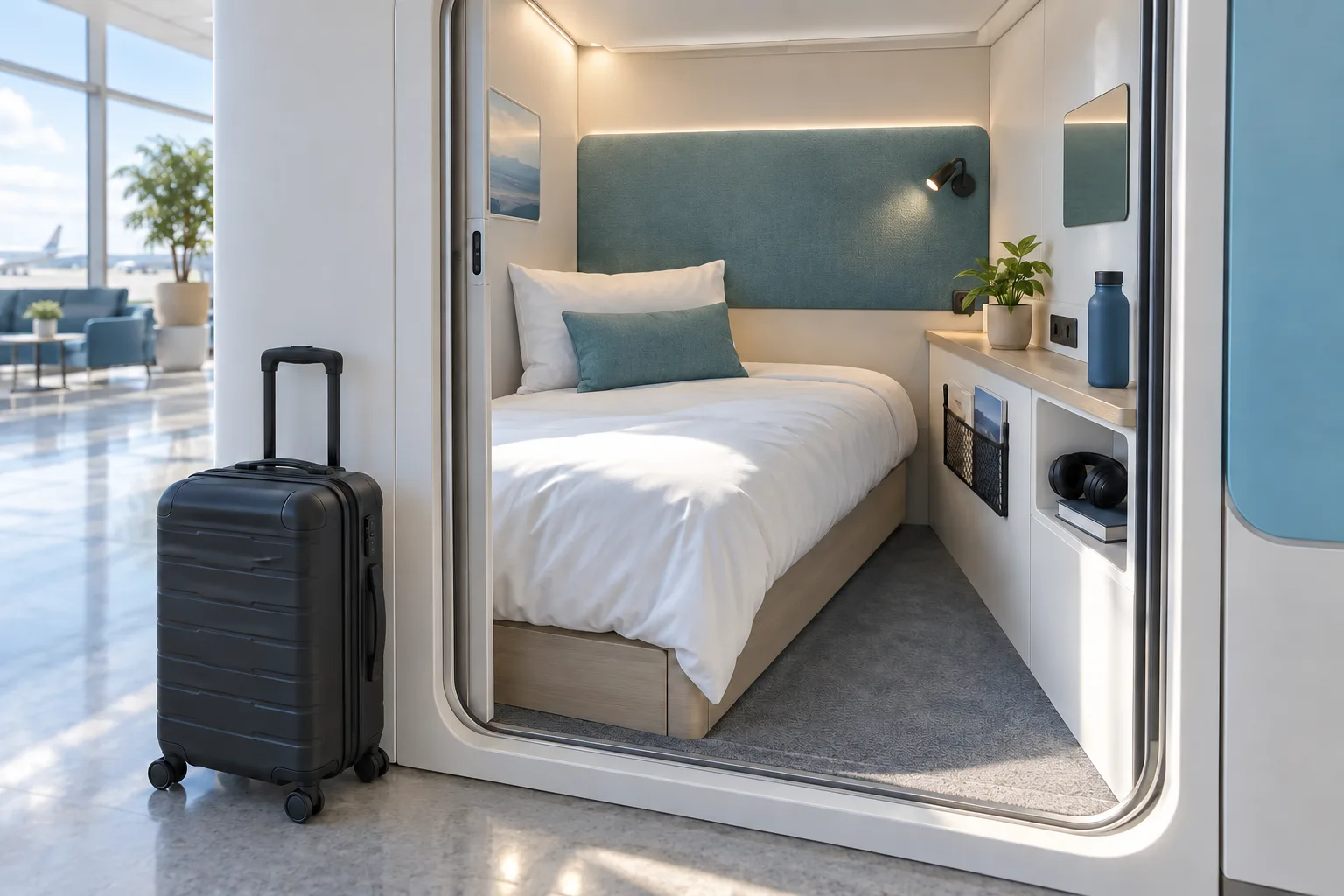
Concept illustration. Not an actual property listing.
A CLOSER LOOK
Check the listed vehicle, pickup arrangement, rental period and host terms. Understand what is included and what needs separate confirmation before submitting a request.
Hosting and fleet workflows bring listings and rental requests into an account-based process. Clear availability, accurate details and timely communication help prevent mismatched expectations.
Rest-pod listings sit within Rent & Stay. Amenities, pricing, hours and access arrangements vary by host. The concept image illustrates a possible compact rest space; it is not a photograph of a verified BIDUAGO property.
AN EVERYDAY EXAMPLE
For a longer trip, review a rental's timing and conditions, then look at rest options along the route. A pod's location, access instructions and host confirmation matter as much as its photograph.
Choose from actual listing details, not assumptions about a standard package.
APP UTILITIES
Rent: Find a rental, List your vehicle, Fleet & commercial, Naproom rest pods.
Inspect a vehicle listing, choose dates and follow your rental request.
Submit your own rental listing and manage the information associated with it.
Describe the transport requirement and review your request history.
Review a rest location, host information, amenities and available booking details.
Open your Naproom booking details and use the cancellation workflow under its applicable conditions.
App workflow means the flow is implemented in the app source, not that the app is publicly released or every dependency is live. Check the app guide and the actual listing or provider status.
App access & release detailsACCESS & RELEASE
Use the app guide to find the relevant tab or role. Account access, local coverage and external service configuration are separate requirements; a website description does not activate a service.
App tabs & rolesYOUR NEXT STEPS
Choose a rental, fleet request or rest pod.
Review the listing details and availability.
Send a request or use the available booking flow.
LOCAL COVERAGE
Availability, prices and booking confirmation are set by participating hosts. Pod features vary by location; a listing is not a guarantee of an available room.
Join as a local partnerTHE DETAILS THAT MATTER
No. Price and availability depend on the host and listing.
No. Check the access instructions for the actual property.
No. It is a concept illustration. Use the listing's own information to assess a stay.